

This week I started learning how to model in Solidworks (a powerful engineering CAD software) and it has been really fun! To begin I’ve just been modeling parts from 2D schematics but I’m excited to draw and model some designs of my own once I’m proficient. In Solidworks you can model with a ton of real world materials from metals and glass to carbon fiber and wood; I find it particularly entertaining to take my parts and turn them into wood and other stuff just to see what it would be like.
This is my first model, a gearbox housing:

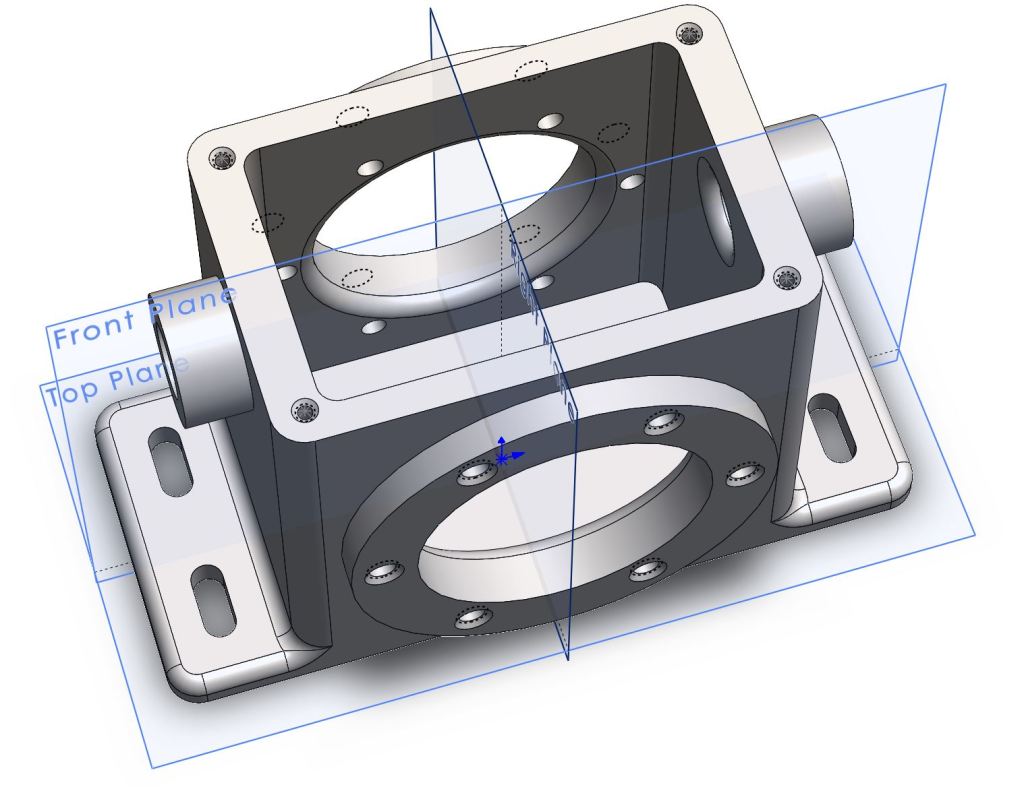
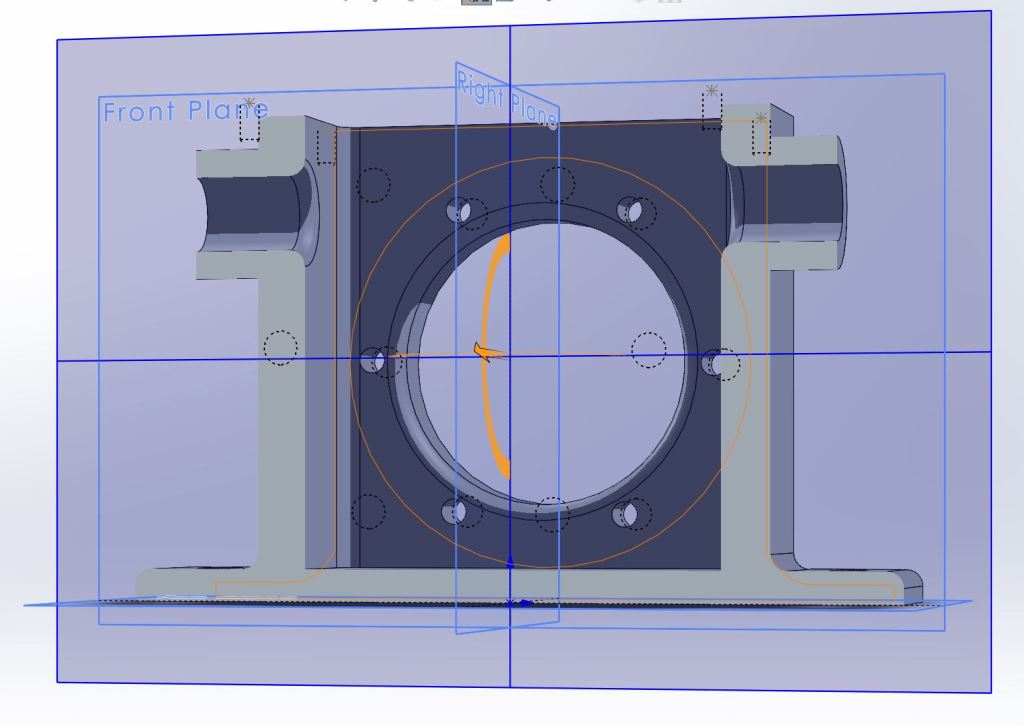
Bisectional
I couldn’t resist adding a sweet metallic blue paint coat:

Bisectional 
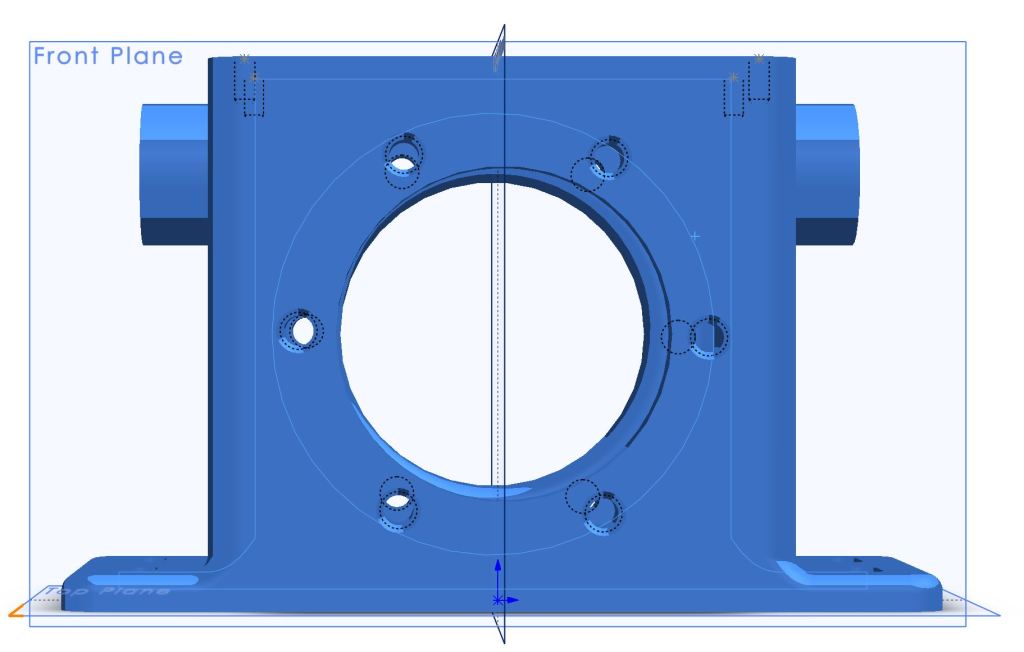
This model took about three hours to complete using specified techniques to do each feature. The next two parts I was free to model as I saw fit and it took about a half hour per part, though they were less involved. Overall, getting into Solidworks has felt pretty easy as long as I remember to exit the sketch screen and to use escape whenever I initiate something I didn’t intend to.
Here is my second model, as you can see it is much simpler.
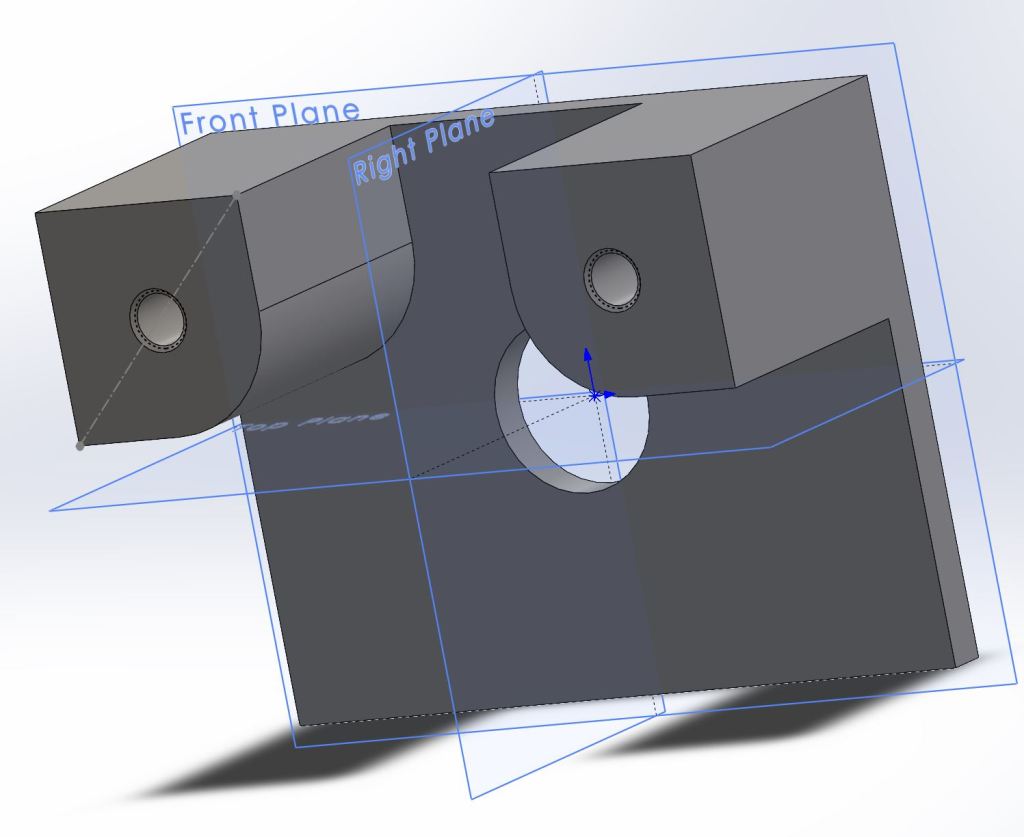
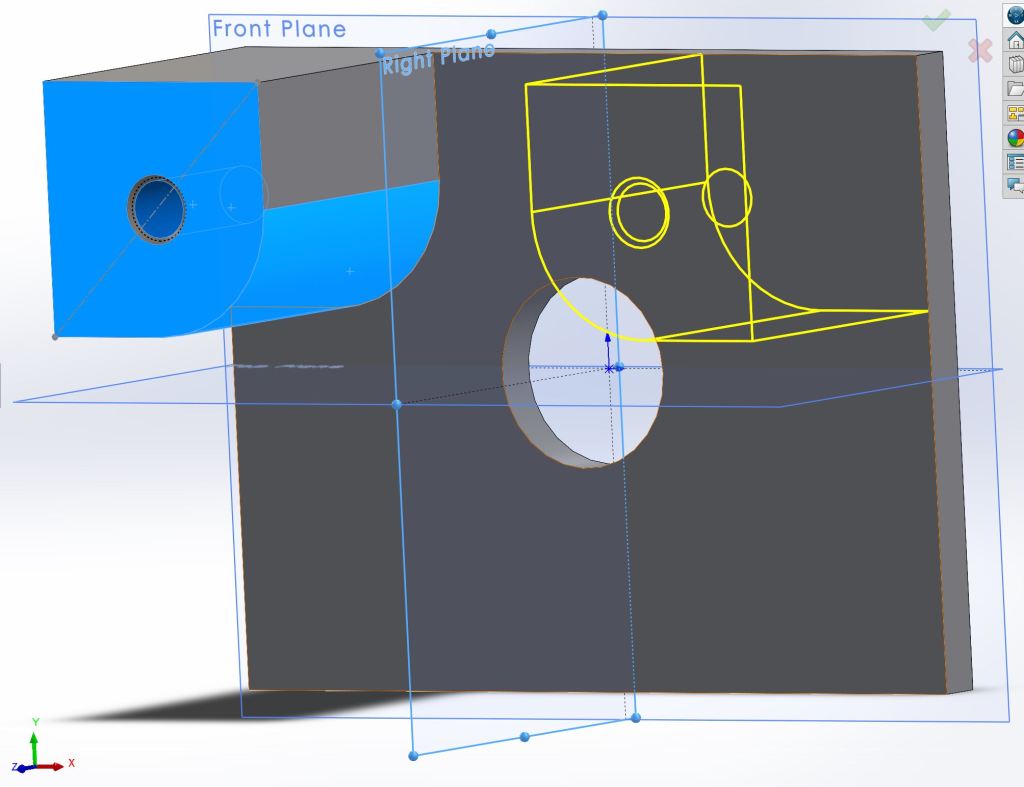
Preview of mirroring a feature
My third model was much more fun to develop:

Early Rendition 
Final Model

So far I’ve really enjoyed working with Solidworks in the short time I have been using it. The tutorial was long but worth doing every step. I look forward to learning the 2d schematics, assembly features, and simulation tools as I progress in the term. The biggest challenge is just making sure I have good and consistent practices while I model. I tend to save often, a habit gained from overconsumption of video games that is serving me well. In the future I will post more of my models if you are interested to see more solid work.
Thanks for reading,
-Vince
BONUS CONTENT:
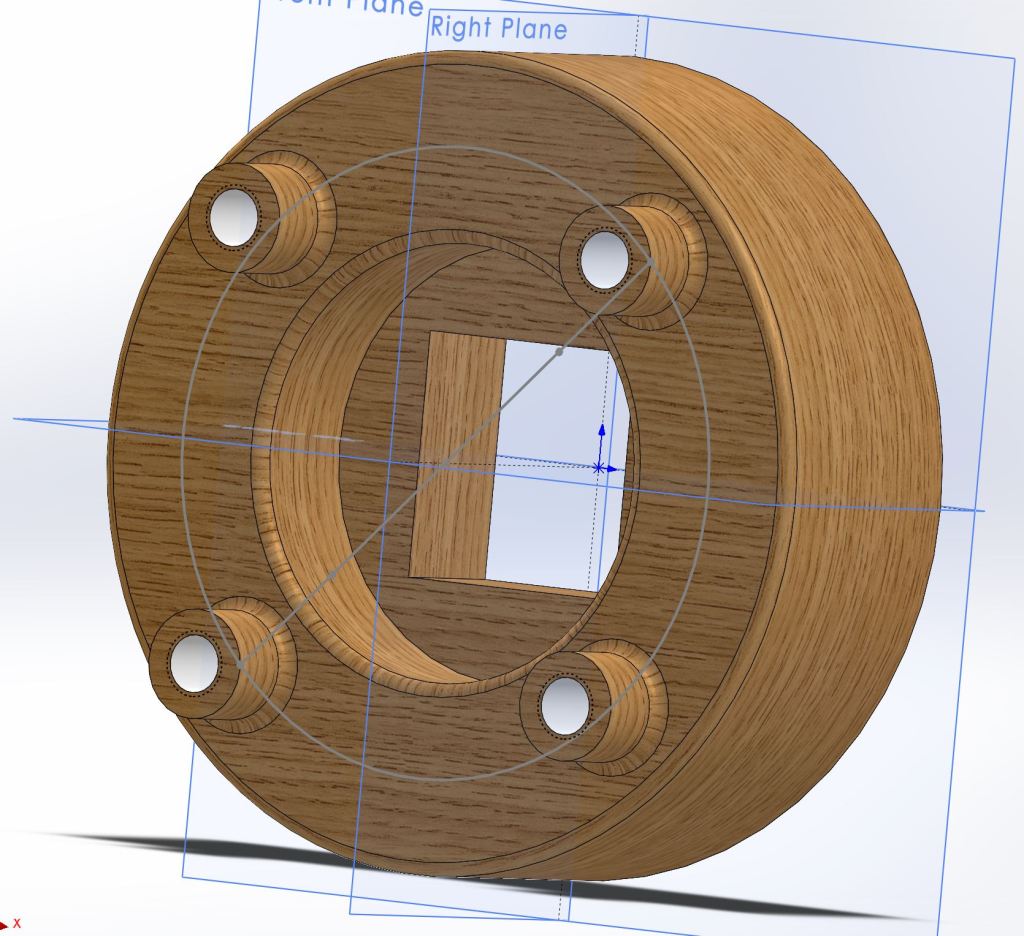
Teak Wood 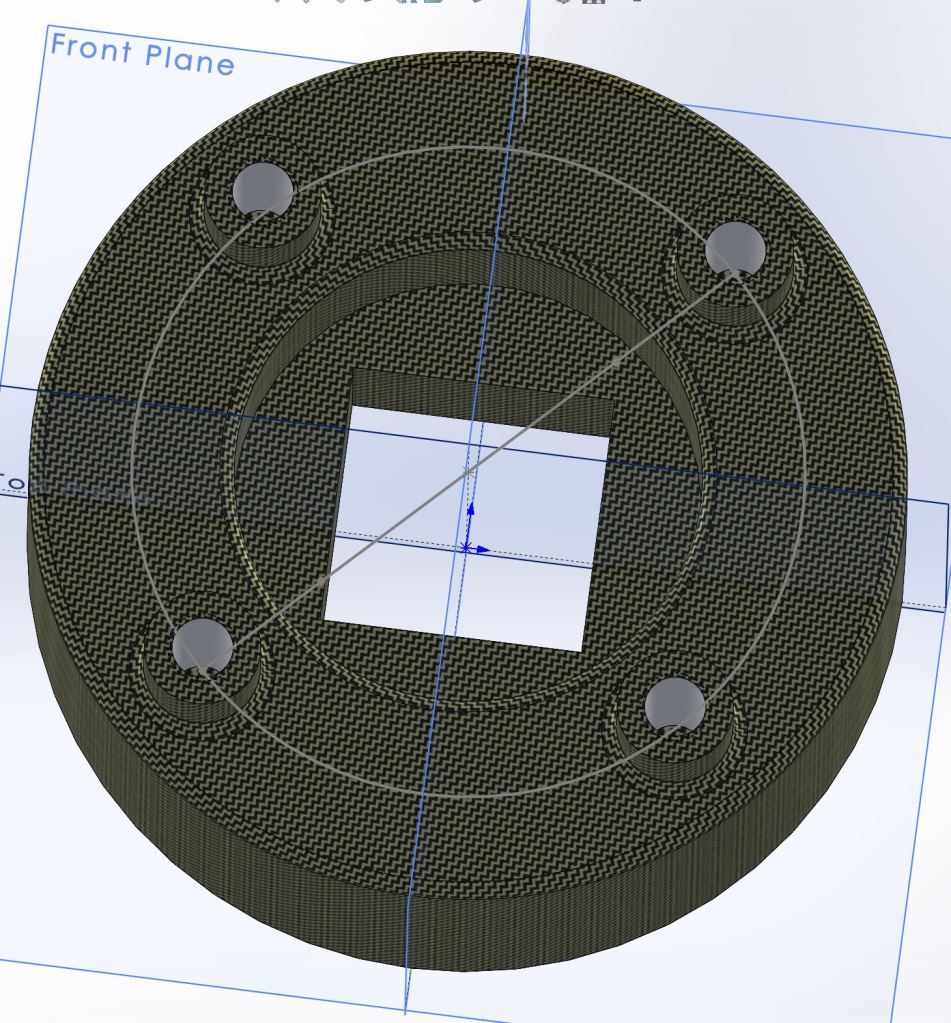
Carbon Cloth
 Vince Designs